Salvage Checks
Checks › Salvage appears only while the Salvage feature is switched on for the system.
The salvage check decides what a component yields when a player breaks it down. It is separate from the recipe crafting check, and a system can have both.
You must configure it when the system’s salvage resolution mode is Routed or Progressive. It is optional in Simple mode, which awards a single result set with or without a pass/fail roll. See Salvage Resolution Mode for what each mode awards.
Authoring the check
The page is laid out in the same five sections the Crafting page uses — The roll, Outcomes, Triggers, Modifiers, and On failure — and they behave identically. See The Checks screen for the editor itself, and Check modifiers for the named-modifier library all three activities select from.
A salvaged component has a single ingredient, so ingredient-set routing does not apply here.
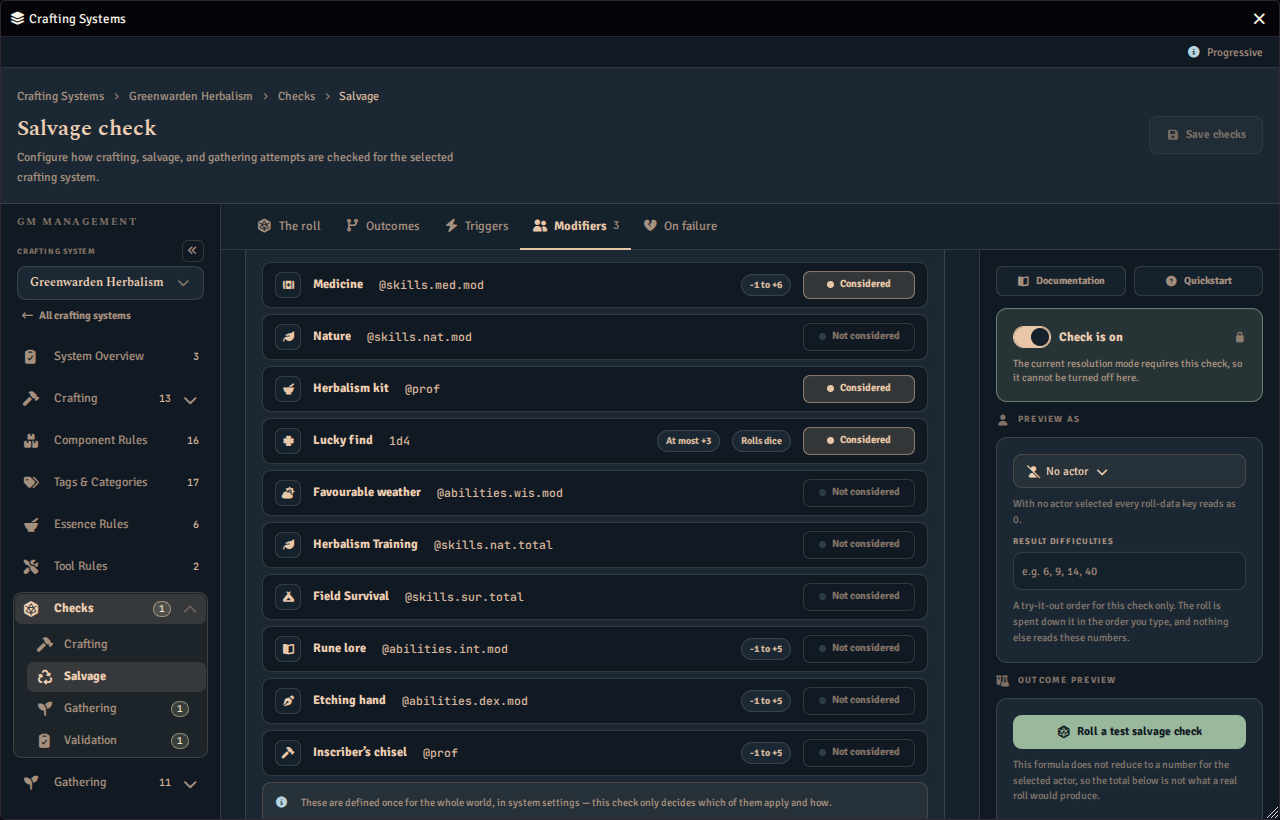
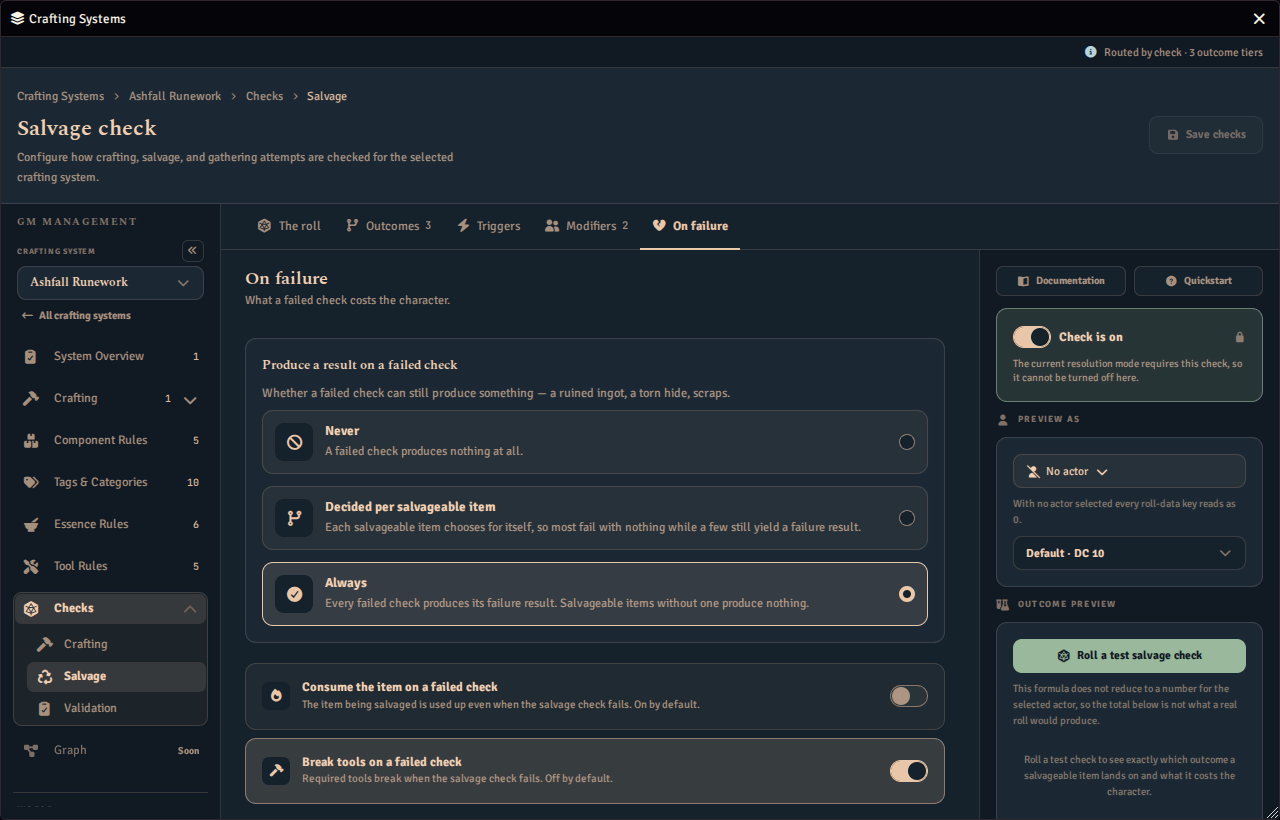
Set the salvage check to Which way is better → Lower is better, or its What the roll is measured against to Character value, to grade the roll under a target or against the salvager’s own character value instead of a fixed DC. See Roll-under and character-value checks for the full guide, including the component’s own Target override or Difficulty adjustment override.
Set the salvage check to Count successes to roll a dice pool and count qualifying dice instead of adding them into one total. See Success-counting checks for the full guide, including the component’s own Successes needed override. A counting salvage check can also let a player buy additional dice, single rolls and a batch alike, with the spend always happening on the salvager’s own computer. See Additional dice.
What players see
Everything a player is shown when they salvage comes from the salvage check, never from the recipe crafting check.
For the player-facing flow, see Salvaging From the Inventory Tab. For what an individual component yields, see Component Salvage.