Map Region Links
A realm is Fabricate’s gathering-geography concept. A Foundry Scene Region is a shape drawn on a scene. Map Region Links is where you pair the two, so that a party’s placed token on the map can tell Fabricate which realm the party is standing in.
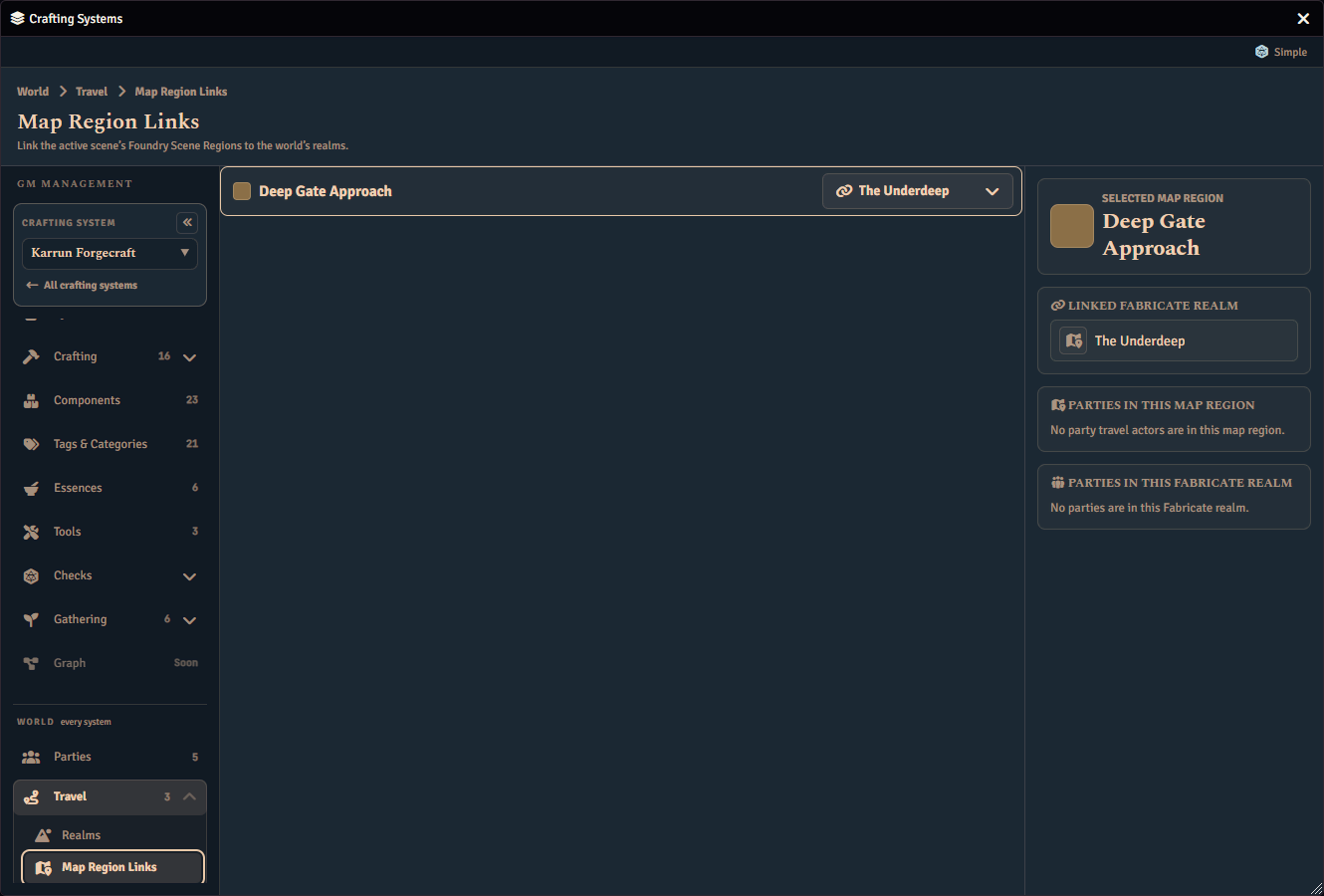
Linking a region to a realm
The page lists every Scene Region on the currently active scene. Each row shows the region’s colour swatch and name, alongside a searchable picker for the realm it maps to. Selecting a row surfaces its detail — including which parties are currently present — in the inspector on the right. The first region is selected for you when the page opens.
Two empty states cover the cases where there is nothing to link: no active scene, and an active scene with no regions drawn on it.
What the links do
Scene mappings drive live token sensing. When a party has a travel actor, Fabricate checks that actor’s placed tokens against these mappings and resolves the party’s current realm from them, reporting the Travel actor source label. See Setting A Party’s Current Realm.
Several Foundry Scene Regions can map onto one realm, so a single realm can span several drawn map areas.
Mappings are world-level, like realms and parties themselves. They normalize and round-trip through import and export.